Windows 11 ‘Fix’: Performance Reset, Ads, Copilot, and the Trust Deficit
TLDR
SignalStack Tech Report · March 25, 2026 · Platform / Privacy / Performance
Why this is on SignalStack: we treat desktop OS changes as infrastructure policy—telemetry, ads in shell surfaces, and hardware eligibility shape security and productivity for hundreds of millions of users.
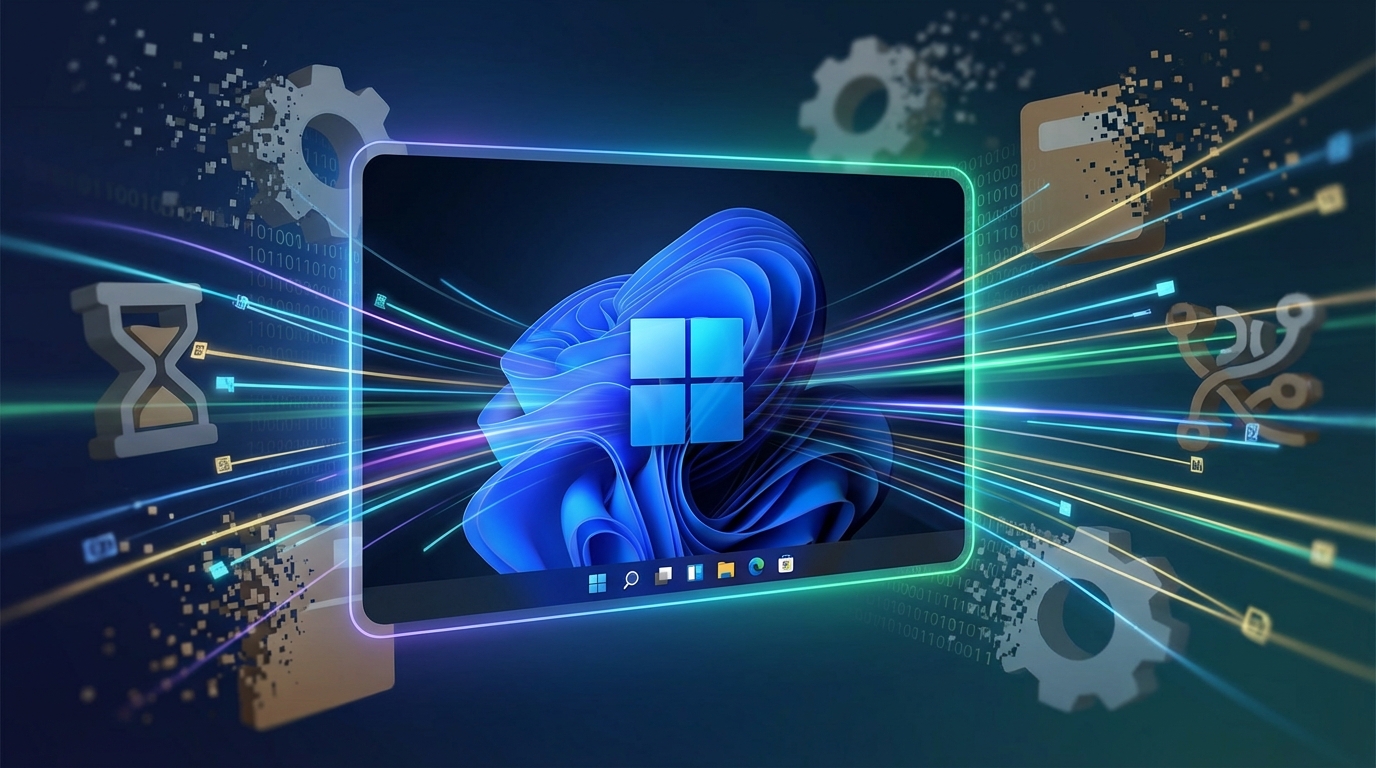
Microsoft recently outlined a plan to improve Windows 11 performance and reliability after leadership admitted the OS had “gone off track.”
The pitch: fewer ads, less aggressive Copilot placement, and engineering focus on speed, stability, and fundamentals (RAM, UI latency, File Explorer, search, drivers).
Critics argue many pain points were self-inflicted—and that mandatory accounts, telemetry, and hardware-driven obsolescence are still largely off the table.
What happened
Windows leadership described a “swarming” effort: pull engineers toward fixing existing problems instead of piling on new features.Public commitments include reduced RAM use, lower UI latency (including a shift toward WinUI 3), a faster and more reliable File Explorer, quicker search, and better driver quality to cut crashes and improve compatibility across hardware.
The narrative is partly competitive: rivals—especially Apple’s tightly integrated hardware and software—set a high bar for responsiveness and polish.
At the same time, observers note Microsoft spent years shipping the very friction users now complain about: Copilot surfaced aggressively across the taskbar, tray, and apps; ads appeared in Start, lock screen, Settings, and File Explorer.
The new plan promises “fewer ads” and some Copilot rollback—but not necessarily a clean removal of either.
Privacy and ownership issues called out by critics include pushing Microsoft accounts for Windows 11 Home (with workarounds removed), automatic OneDrive behaviors tied to storage limits, and past controversy around features like Recall.
The timing also invited skepticism: shortly after reliability promises, Microsoft shipped an out-of-band update to address sign-in and “no internet” issues linked to a prior patch cycle—underscoring how fragile “trust us, we’re fixing it” can feel in practice.
Why it matters
For hundreds of millions of users, Windows is daily infrastructure. If updates feel like product marketing first and platform quality second, trust erodes fast.A credible performance reset could materially improve productivity—especially on laptops juggling browsers, IDEs, creative tools, and video calls.
But selective fixes risk looking like UX theater if deeper incentives remain unchanged: ecosystem lock-in, data flows, and telemetry defaults are structural—not cosmetic.
Hardware policy is another flashpoint. Strict requirements (for example TPM 2.0 and CPU generations) can strand large fleets of still-capable PCs, pushing upgrades, extended support costs, and e-waste concerns—especially as end-of-support timelines approach.
Whether Microsoft can translate a blog-post pledge into consistent, measurable improvements will shape its reputation for years—not just the next quarter.
Key details at a glance
Windows leadership stated Windows 11 had “gone off track,” framing a repair-first engineering push over feature expansion.Announced targets include lower RAM footprint, improved UI responsiveness, faster File Explorer and search, and fewer stability issues via better drivers.
Critics emphasize many annoyances were introduced by prior product decisions (Copilot surfacing, ads in system surfaces).
Several privacy-adjacent topics—mandatory Microsoft account patterns on certain editions, telemetry limitations on consumer SKUs, and cloud backup behaviors—are not clearly covered as first-class commitments in the same announcement narrative.
Hardware eligibility constraints remain a structural constraint for organizations and consumers on older PCs.
A recent emergency update cycle illustrates how patch-driven regressions can undermine “reliability” messaging in real time.

What to watch next
- Measurable gains — Cold boot, resume, search latency, Explorer responsiveness—not one-off demos.
- Ad load — Whether reductions hold across Start, Settings, and system surfaces across cumulative updates.
- Account and sync policy — Clarity on requirements, defaults, and user control over cloud-backed behaviors.
- Hardware obsolescence — Enterprise migration, ESU pricing, refurb markets for “still works, officially unsupported” fleets.
- Competition — macOS polish and ARM PC momentum as forcing functions for Windows quality.
The SignalStack angle
What we are not doing: scoring a marketing blog as proof. What we are doing: asking which incentives changed—telemetry, ads, Copilot placement—versus which metrics moved.
1. Trust is a lagging indicator
Selective UI fixes read as theater if data flows and account pressure stay opaque. SignalStack’s read: users should track repeatable telemetry and ad surface area, not single release notes.
2. Reliability and messaging can diverge
Out-of-band patches for sign-in or connectivity issues while leadership promises a reliability reset illustrate how patch chains undermine narrative. Closing metric: regression rate per quality update, not slogan density.
Disclaimer: SignalStack analyzes product behavior and published critique; verify against Microsoft’s primary communications.
FAQ
Q What is Microsoft’s “fix” mainly promising? A A shift toward performance and stability work: RAM/UI latency, File Explorer and search, driver quality, fewer ads in some surfaces, and reduced Copilot intrusiveness—alongside a stated engineering focus on fixing what’s broken.Q Why are critics skeptical? A Because many cited problems trace to product decisions Microsoft shipped over multiple releases. Skepticism grows when deep privacy and account-control issues are not addressed with the same visibility as UI annoyances.
Q What privacy topics are critics saying are still missing or unclear? A Common examples include mandatory Microsoft account flows on certain editions, limits on disabling telemetry for typical consumer configurations, and cloud sync behaviors that can surprise users when storage or defaults shift.
Q What’s the hardware controversy? A Stricter Windows 11 eligibility can sideline large numbers of functional PCs, pushing hardware upgrades, extended support paths, and sustainability concerns.
Q Did reliability messaging face an immediate reality check? A Yes—out-of-band updates around account sign-in and connectivity issues illustrate how patch chains can still introduce regressions even while leadership is promising a reliability reset.